AI Investigate
AI Investigate is a read-only AI assistant that investigates logs and cases from natural language. You ask a question, and a generative AI (large language model) uses tools to search and aggregate logs and cases, presenting the results as inline tables and charts in the chat.
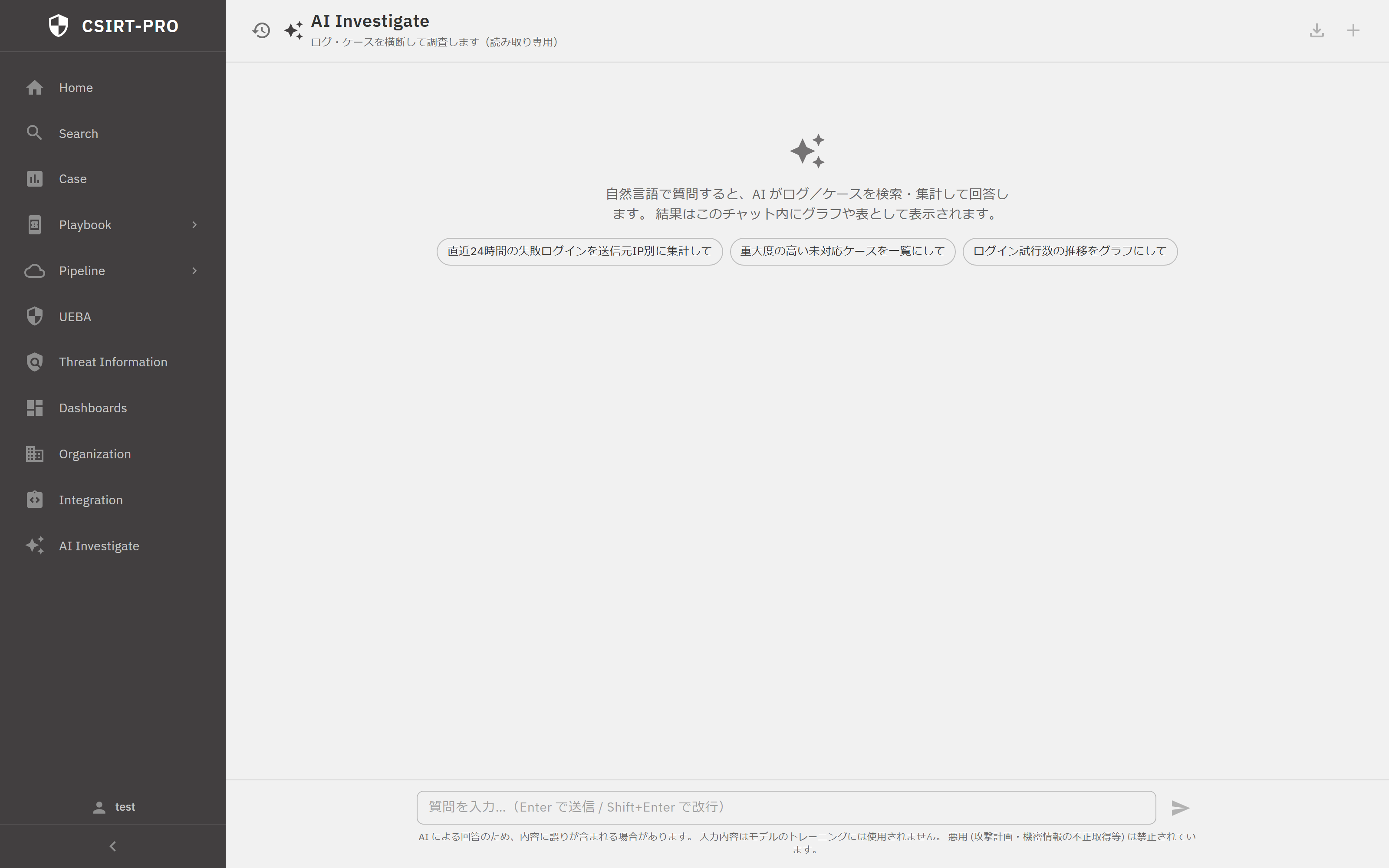 AI Investigate (captured from the running build): "Investigates logs and cases (read-only)".
What it does NOT do
AI Investigate only searches, aggregates, and visualizes. It does not automatically respond, remediate, block traffic, or close cases.
Basics
- Open AI Investigate from the sidebar.
- Type a question in natural language (e.g. "Aggregate failed logins in the last 24 hours by source IP").
- Press
Enterto send (Shift+Enterfor a newline). - You can stop a response while it is streaming.
Suggested prompts appear above the input box.
Streaming and Progress
Responses are streamed over Server-Sent Events. The progress indicator shows the agent's tool-using investigation.
| Display | Meaning |
|---|---|
| Status | Stages such as classifying, investigating, or verifying |
| Step | Current step out of the maximum |
| Activity log | Thinking, tool calls, and tool results (expandable) |
Inline Cards
Results in the AI's answer are rendered as cards.
| Card | Content |
|---|---|
| Search card | Runs AI-generated PRQL and shows a result table |
| Visualization card | Runs PRQL and shows a chart (bar, line, pie, heatmap, service graph, etc.) |
| Case-list card | Embeds a case list for the AI-specified filters (read-only) |
Each card lets you copy the PRQL or open the Search or Case page in a new tab.
Conversation History
The server holds no conversation state. Instead, conversation history is stored locally in the browser.
- Create new chats; select, rename, or delete past chats.
- Search history.
- Export a chat to Markdown.
Note
Because history is stored in the browser, it is subject to a local storage limit and does not carry over to other devices or browsers.
Notes
- The AI Investigate backend runs as a separate service and may be offline in some environments.
- The assistant is powered by a managed generative AI service hosted in a domestic managed cloud region.
- The case screen also has a context-aware AI chat (see Case Management).